Emergency alerts — guardians
iPhone
Step by step
Step 1
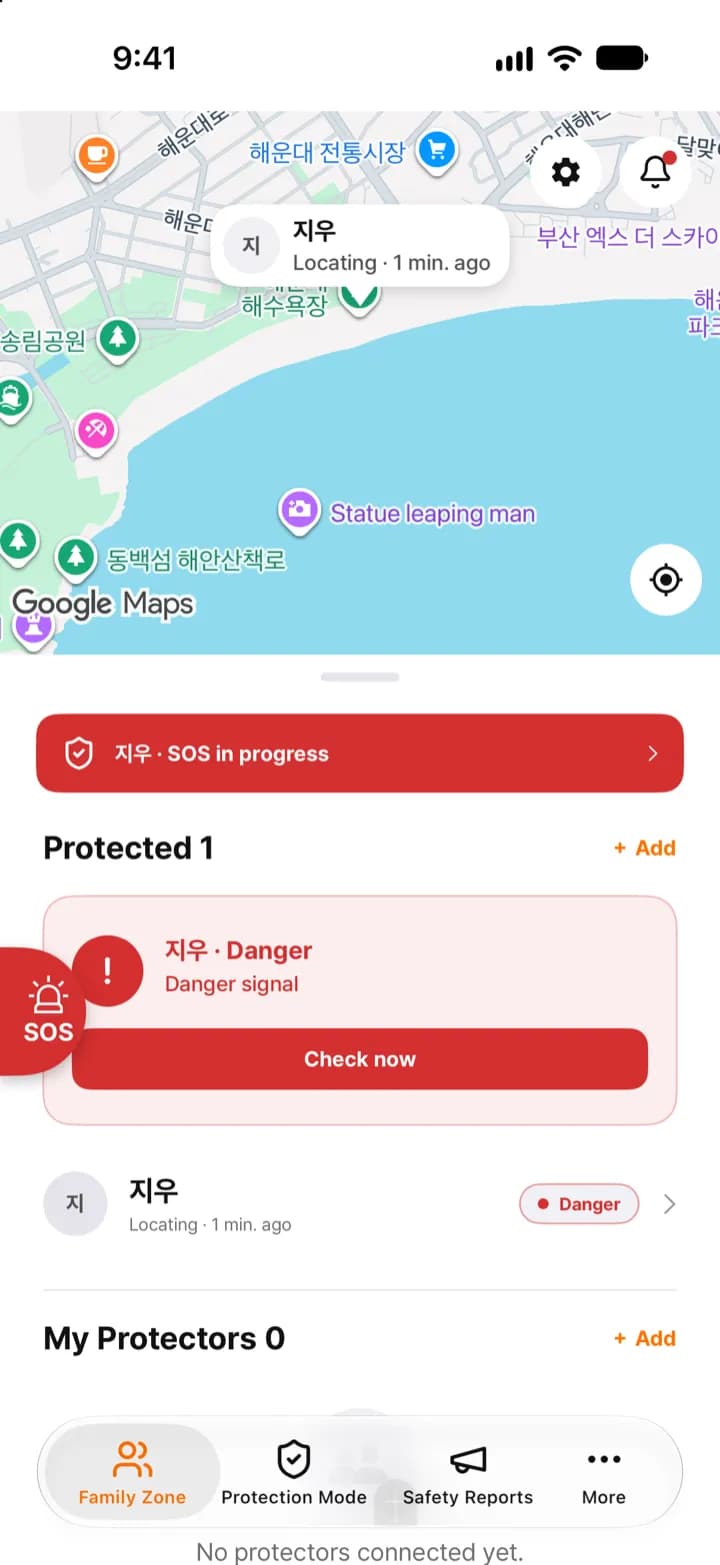
When an alert arrives Tap the notification, or tap [Check now] on the emergency card in Family Zone.
Step 2
Emergency card on the home screen
Step 3
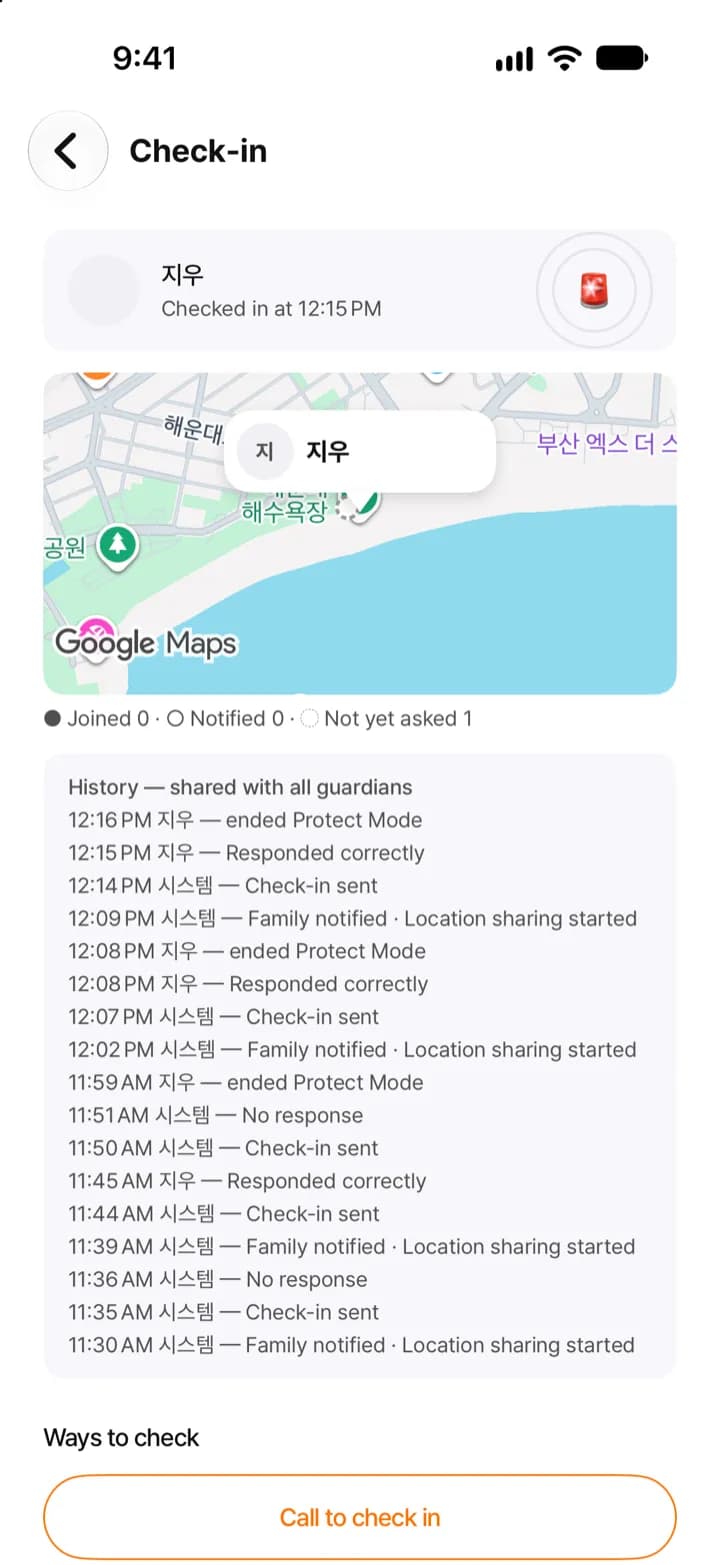
On the situation screen, check the location on the map, the reasons for the alert, and the history. The history is shared with all guardians.
Step 4
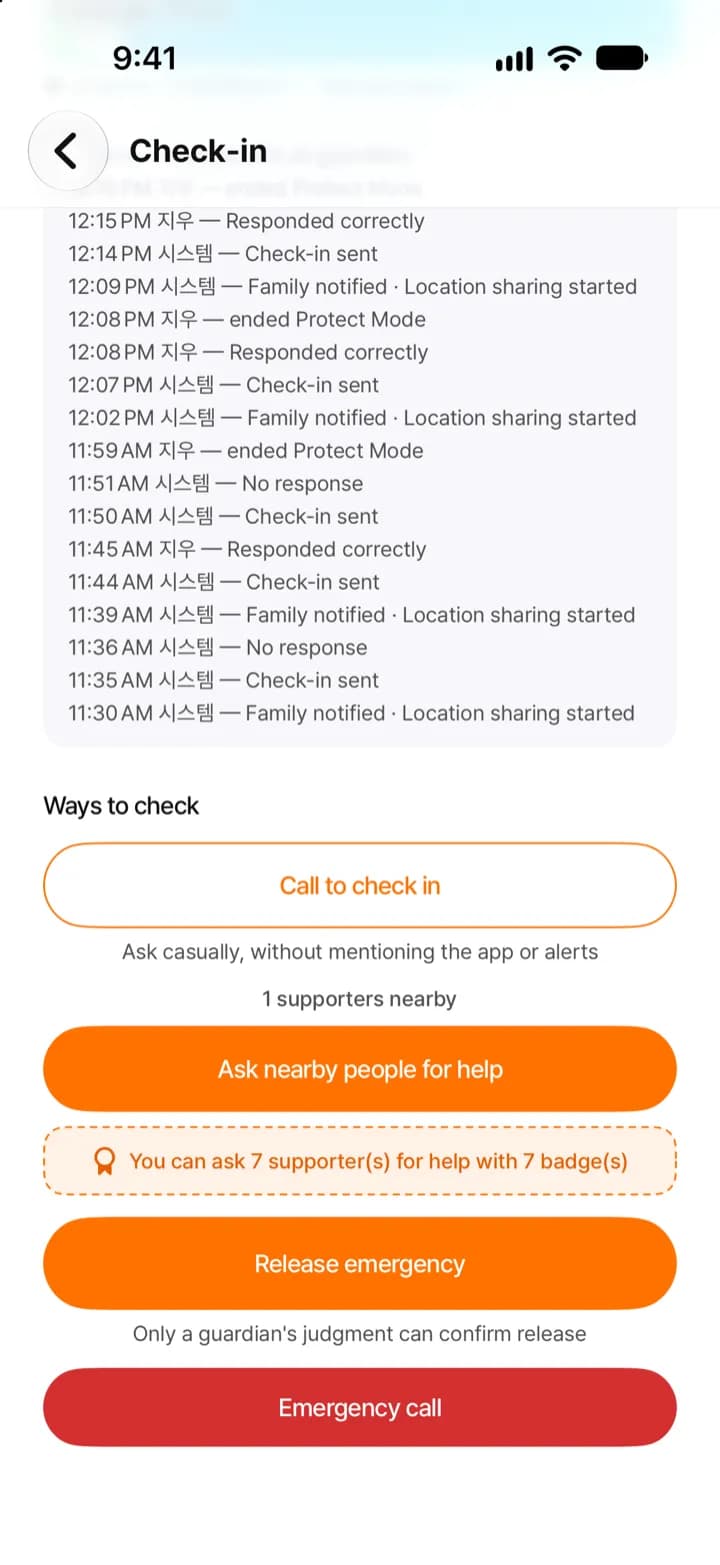
Ways to check and help Under "Ways to check" at the bottom of the situation screen, there are four buttons.
Step 5
[Call to check in] — Try this first. Ask casually, without mentioning the app or alerts.
Step 6
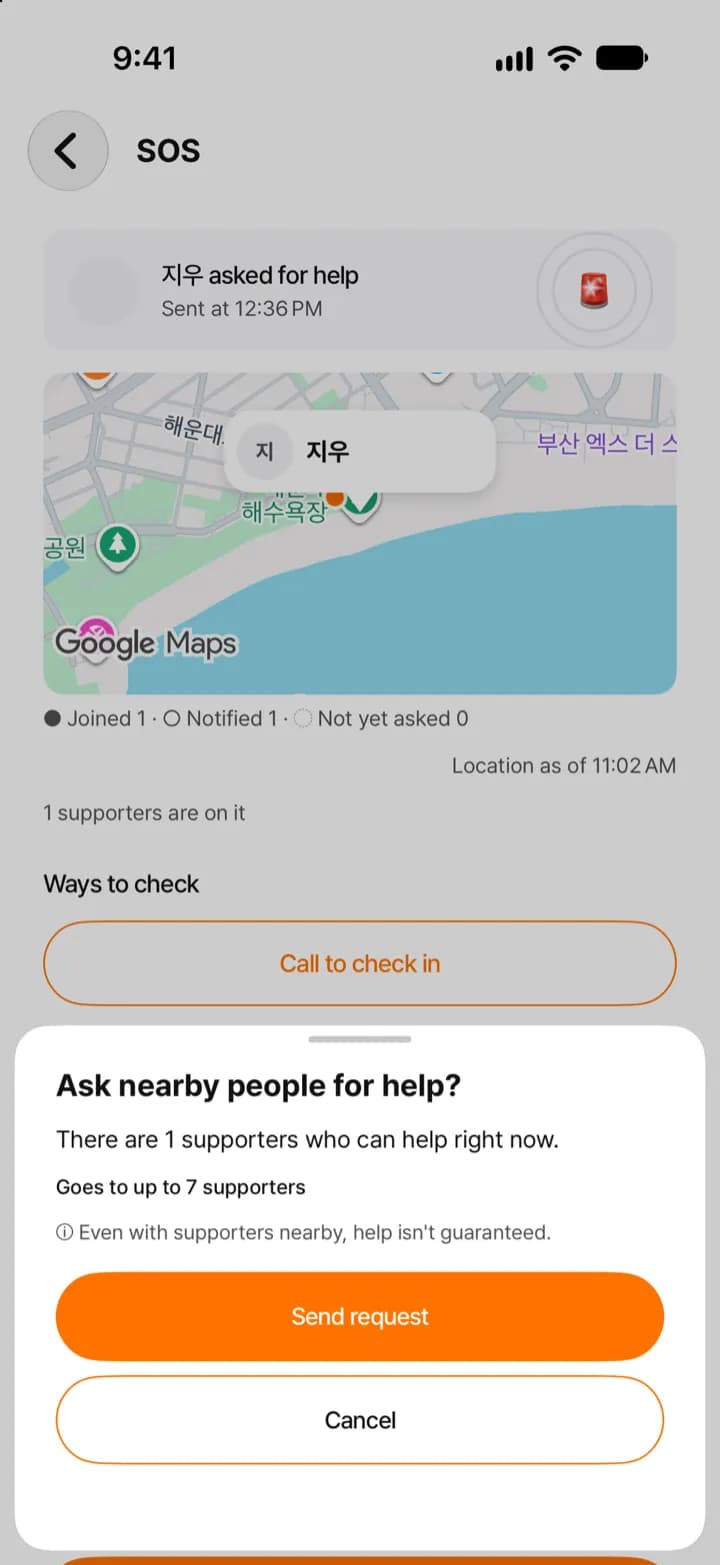
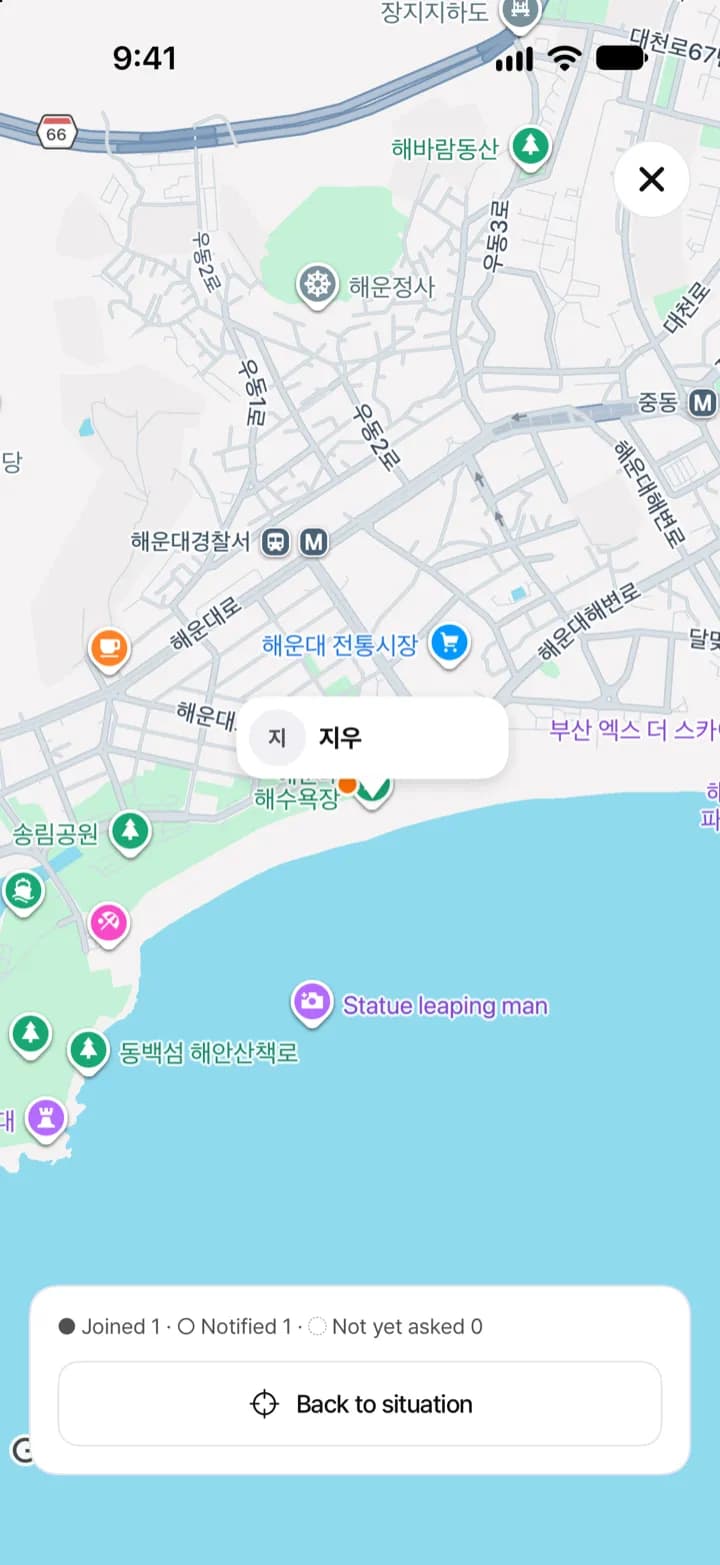
[Ask supporters for help] — Asks nearby Vazoom users for help. On the map you can see who was alerted and who has joined.
Step 7
Supporters on the map
Step 8
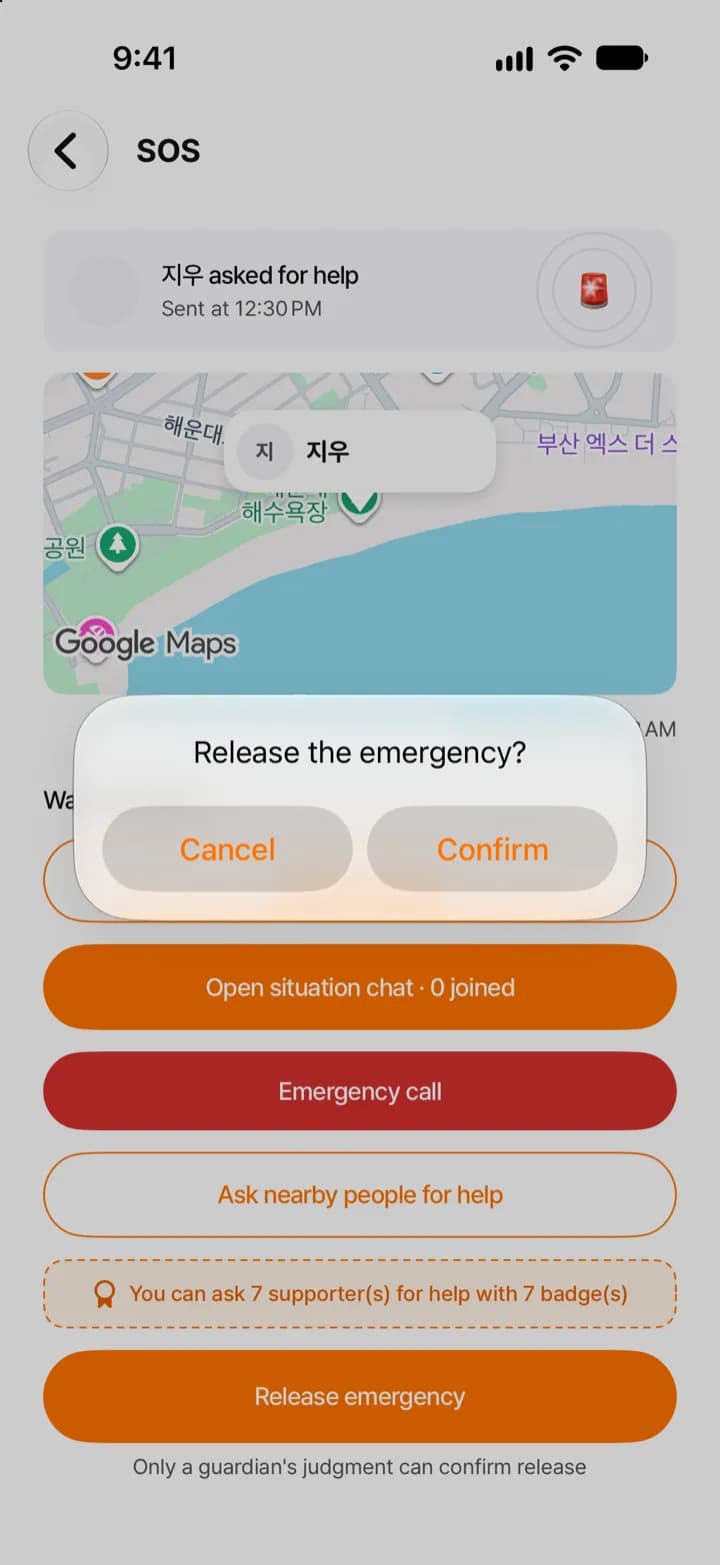
[Release emergency] — Tap this once you've confirmed they're safe. Only a guardian's judgment can confirm the release.
Step 9
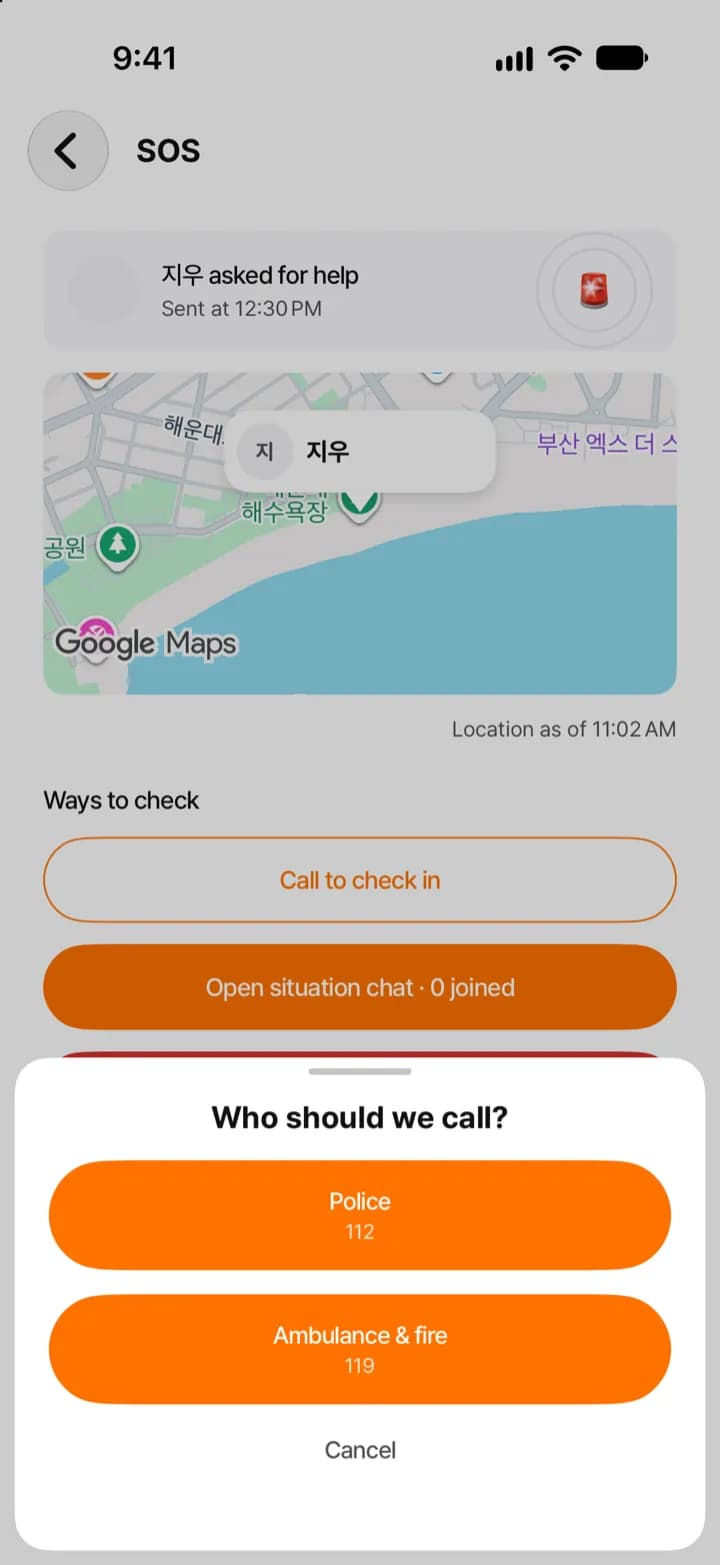
[Emergency call] — Call the police or ambulance & fire services right away.
Step 10
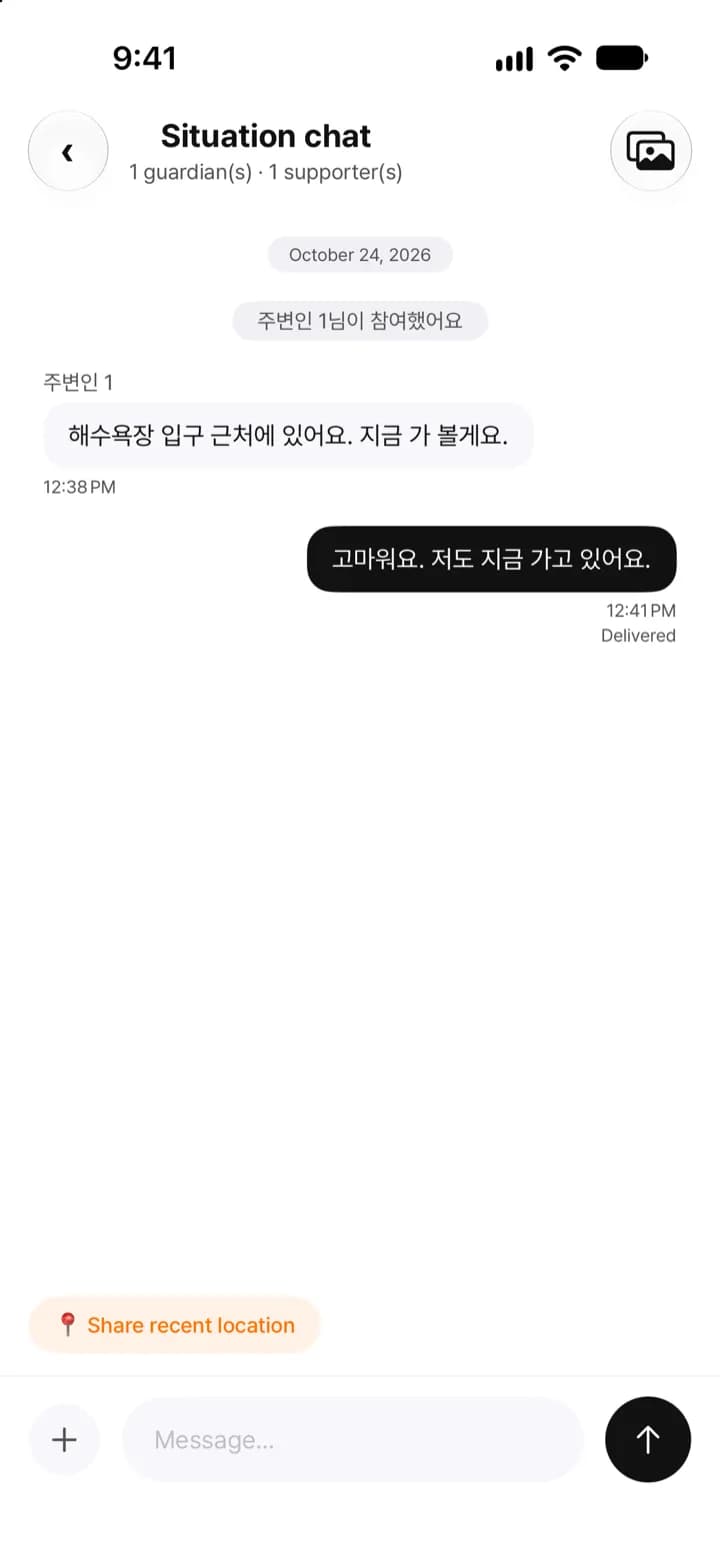
Once supporters join, an [Open situation chat] button appears. Talk with other guardians and supporters who joined, and share the latest location.
Step 11
If you believe it's an emergency, don't hesitate — call your local emergency number first.
Step 12
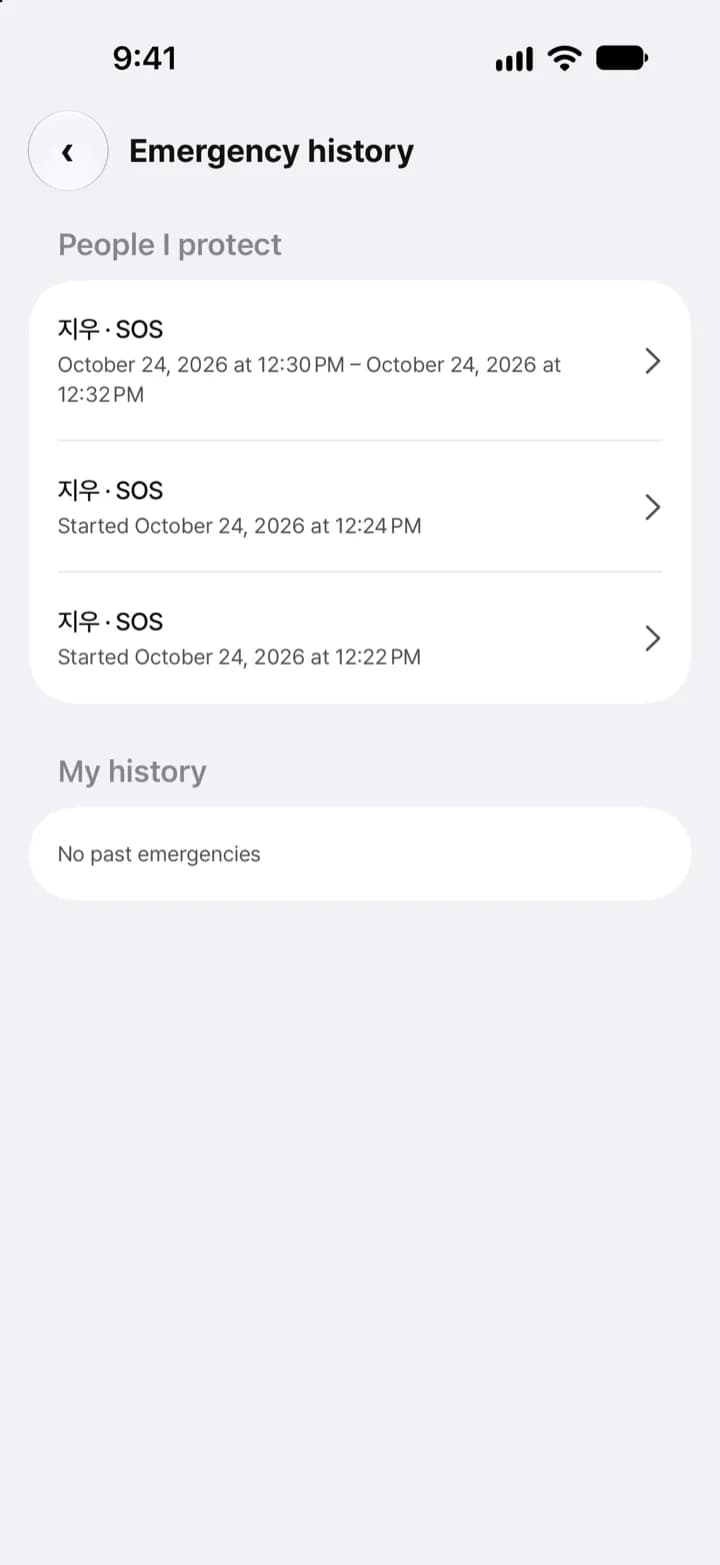
When the situation is over Once you've confirmed they're safe, tap [Release emergency]. You can review past situations under "Emergency history" in More.
Step 13
Emergency history