FAQ
iPhone
Step by step
Step 1
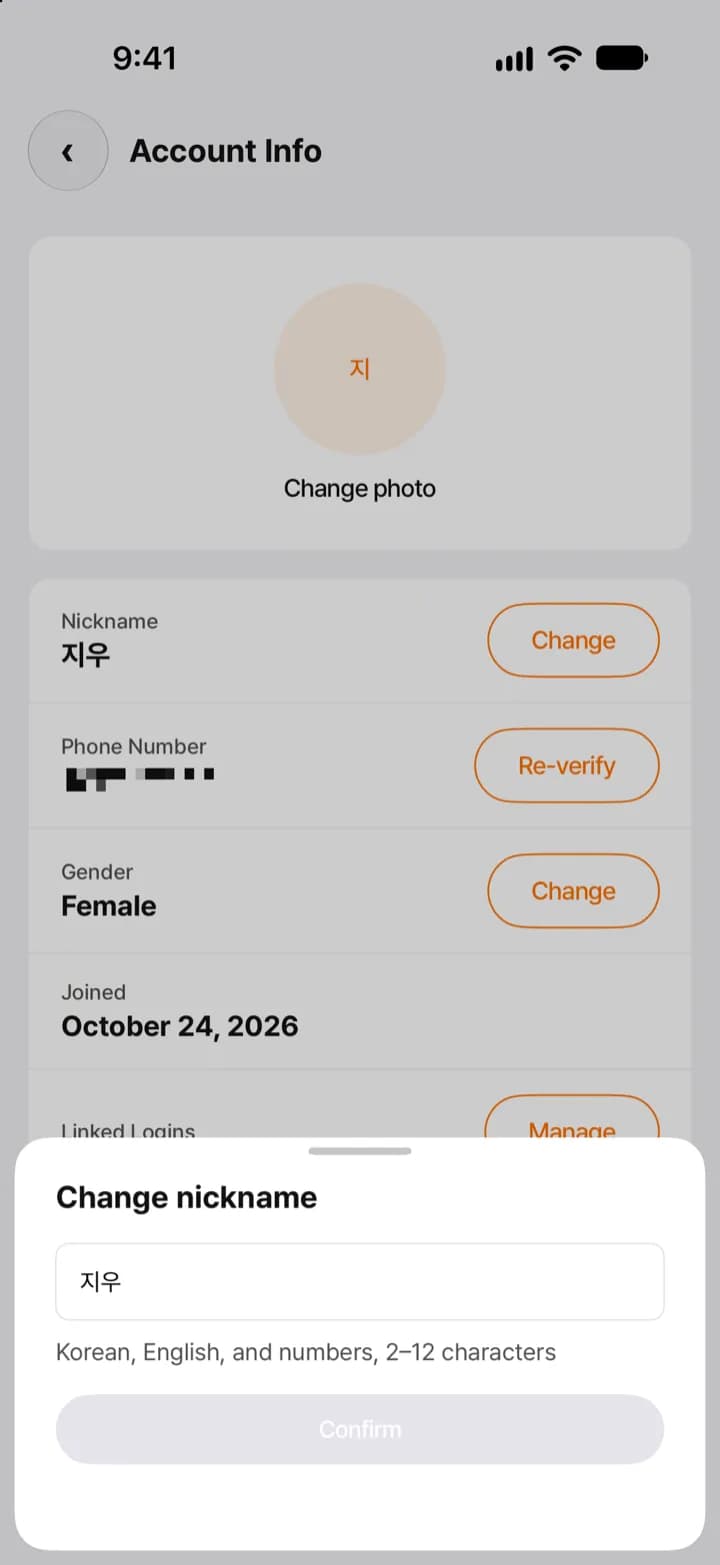
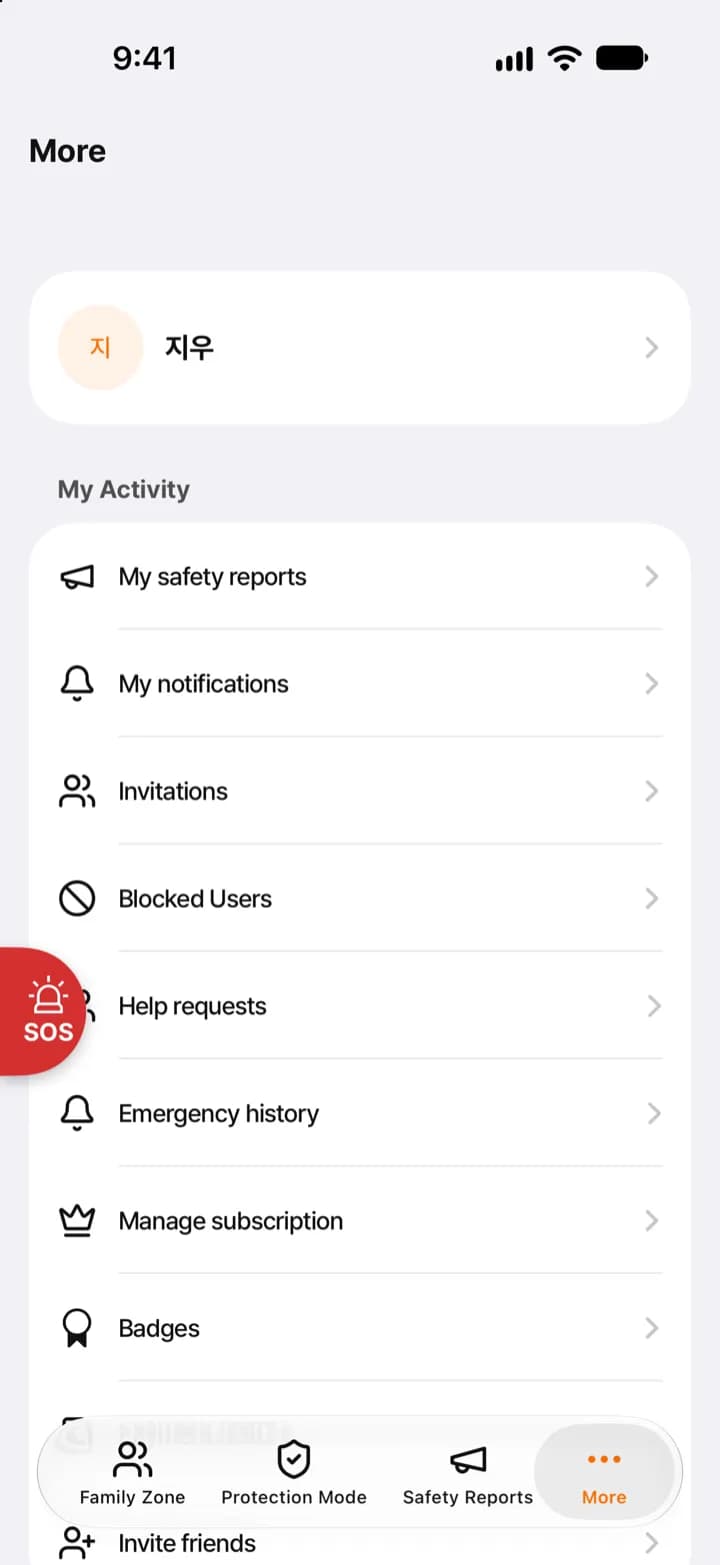
I want to change my nickname Go to More → profile card → "Account Info" and tap [Change] next to your nickname. Nicknames are 2–12 characters using Korean, English letters or numbers.
Step 2
My phone number changed In "Account Info", tap [Re-verify] next to your phone number and verify with the new number.
Step 3
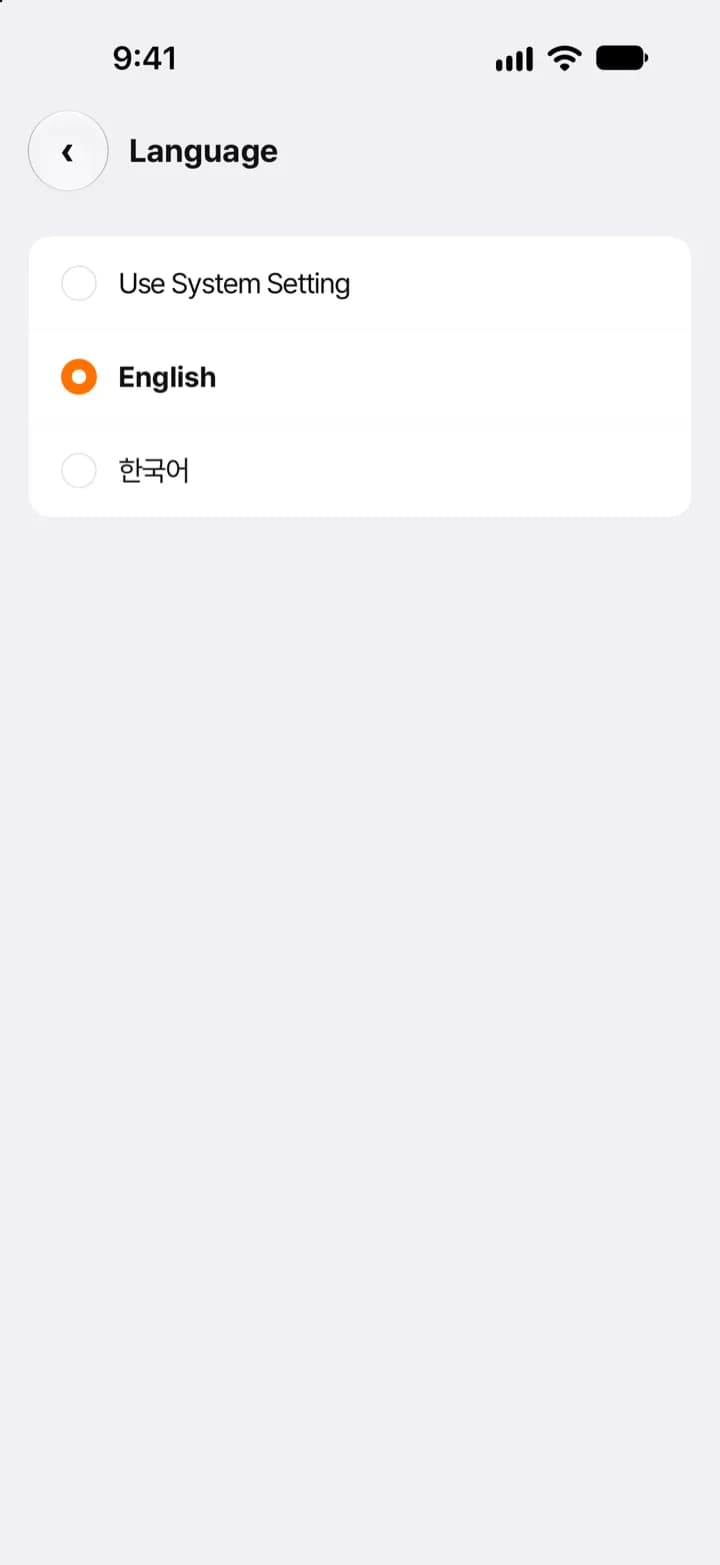
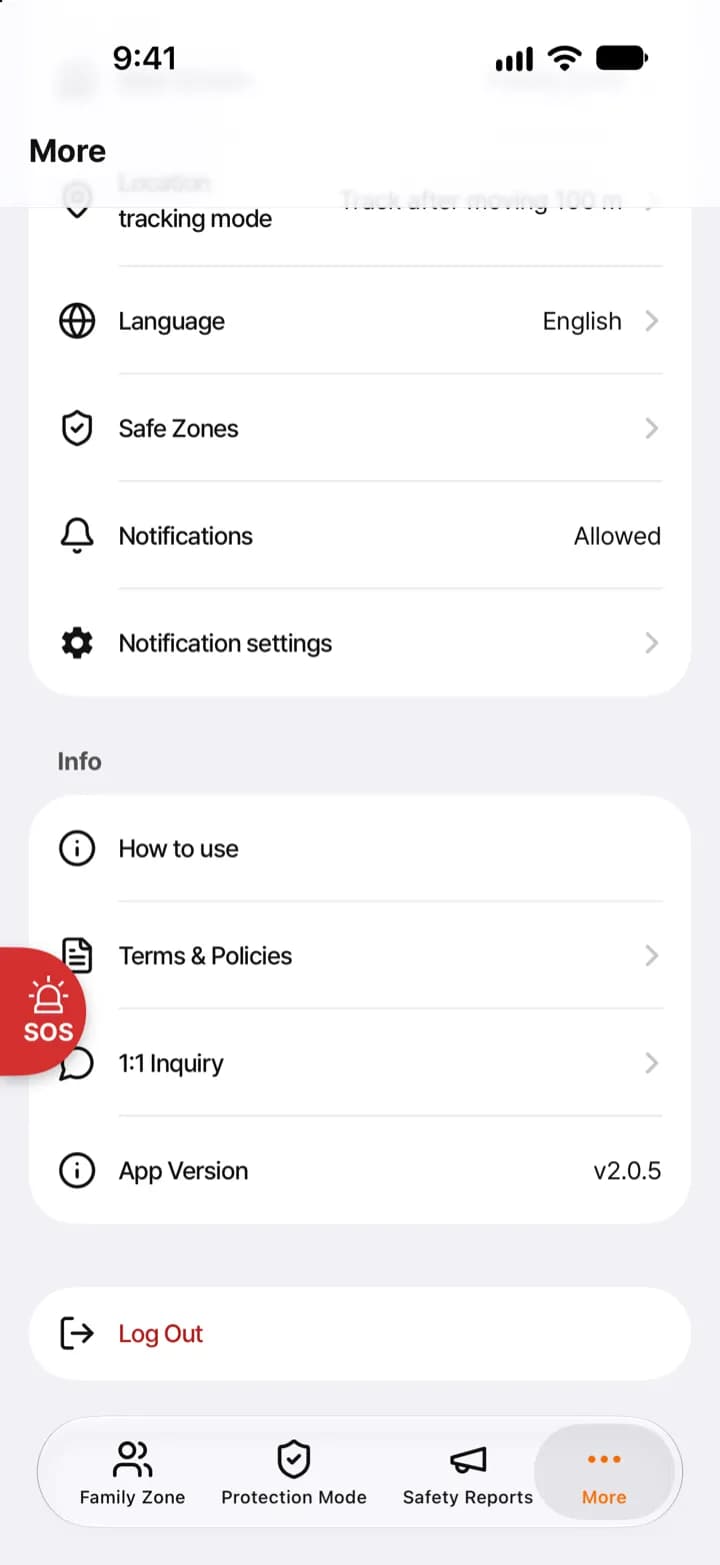
I want to change the app language Go to More → "App Settings" → "Language" and choose "Use System Setting", "한국어" or "English".
Step 4
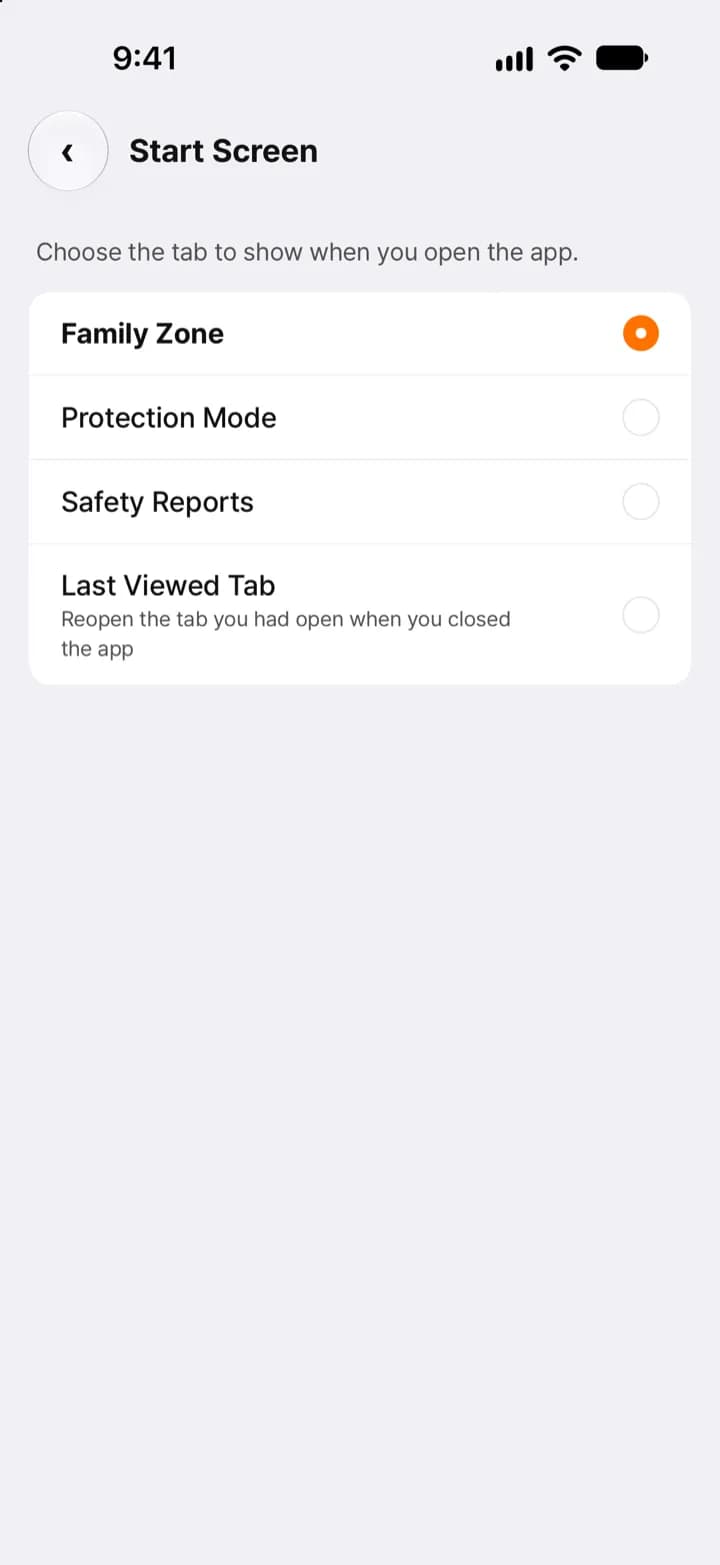
I want to change the screen the app opens to Go to More → "App Settings" → "Start Screen".
Step 5
Can my guardian always see my location? With "Real-time location sharing" on in Family Zone settings, they can see it at any time; with it off, it's shared only in emergencies. You can see the date you were connected with each guardian on the "My guardian" screen.
Step 6
Can people nearby see my exact location? No. Before joining, nearby users who receive a help request see only a rough location on a grid of about 500 m. After agreeing to the safety notice and joining, they see it narrowed down to 50 m. It's the location at the moment help was requested, not a live location, and your exact coordinates are never sent.
Step 7
I forgot my picture On the release screen, tap "If you can't remember your picture, your guardian can release protection mode." to ask your guardian for approval. At other times, change it under "Change unlock picture" in Protection settings.
Step 8
I pressed SOS by mistake If it's still pending, tap [Cancel]. If it's already been sent, tap [Cancel SOS] and choose your picture.
Step 9
What happens if my phone turns off during protection mode? When the signal from your phone stops, your guardians get a "Phone disconnected — The phone is off or has lost connection" alert after about 3–4 minutes. If the connection doesn't come back, they're reminded every hour for 24 hours (reminders can be turned off).
Step 10
More questions? Let us know through Contact support.
Step 11
App settings and info