Requesting SOS on someone's behalf
Android
Step by step
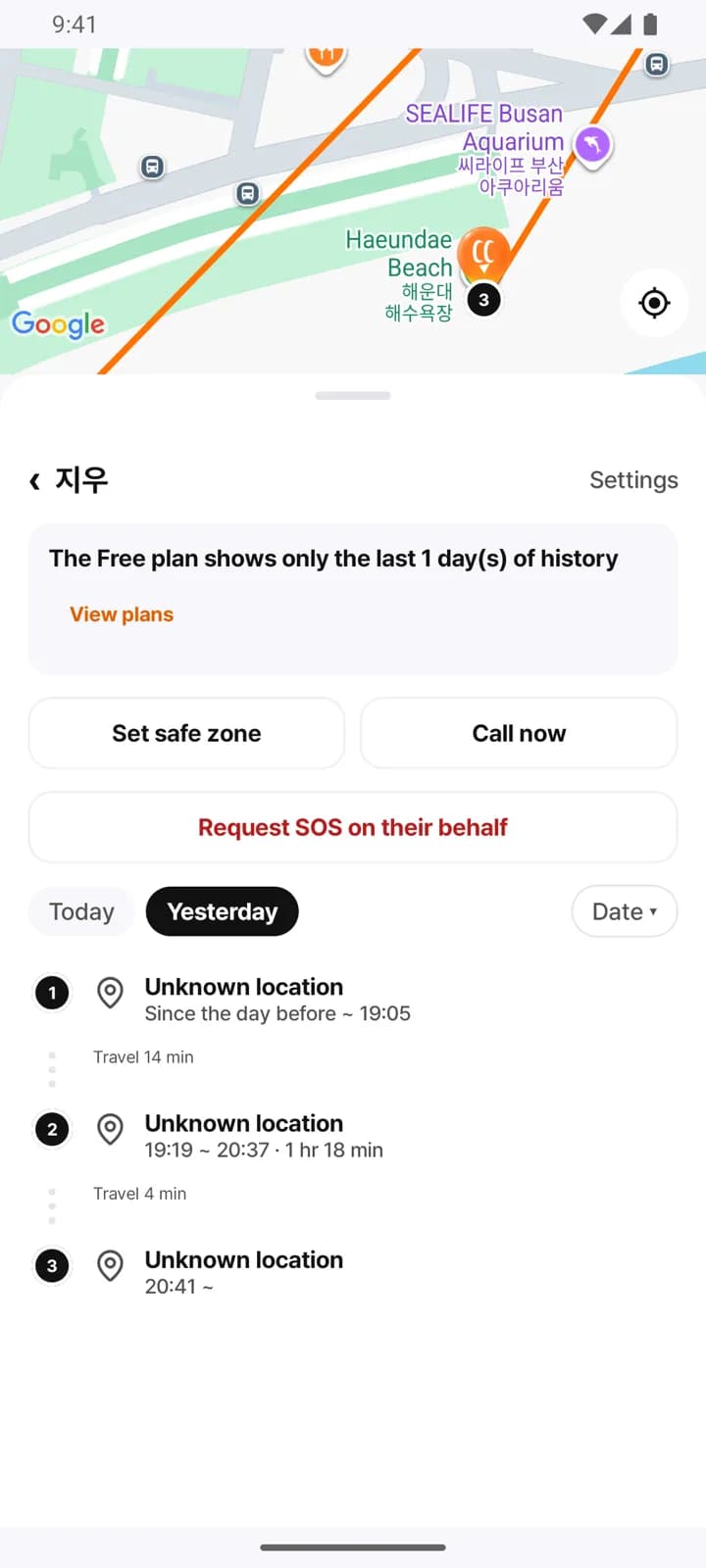
Step 1
How to request In Family Zone, tap the person and then [Request SOS on their behalf]. The same button is at the bottom of their [Settings].
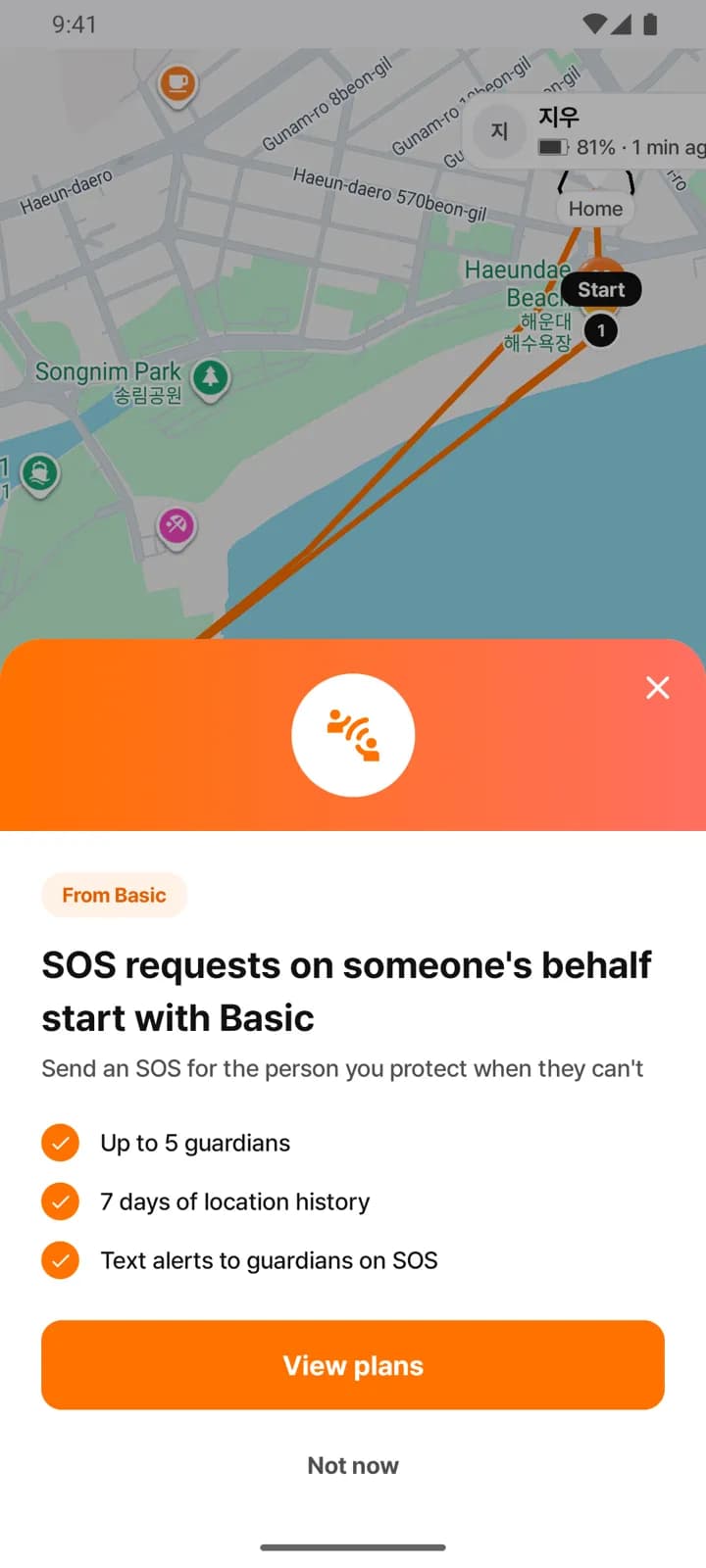
Step 2
Read the notice, then press and hold [Press and hold to request SOS]. If you see a notice that it starts with Basic, this feature needs a subscription — subscribe, or tap [Not now] to close it.
Step 3
What happens next Nearby users are asked for help based on the person's last known location. If that location is old, you'll be told first.
Step 4
If there's no location, or the person has chosen not to alert people nearby, only guardians are notified.
Step 5
Their phone shows "Guardian ○○ requested an SOS for you". Only a guardian can release this SOS.
Step 6
You can only request an SOS for someone you're connected to as a guardian. After a guardian releases it, no one can request another one for the same person for 10 minutes (other guardians included). This doesn't apply if the person released it themselves or it ended automatically after 24 hours. What follows is the same as Emergency alerts — guardians.