Seven things to do on a mountain before your phone battery dies
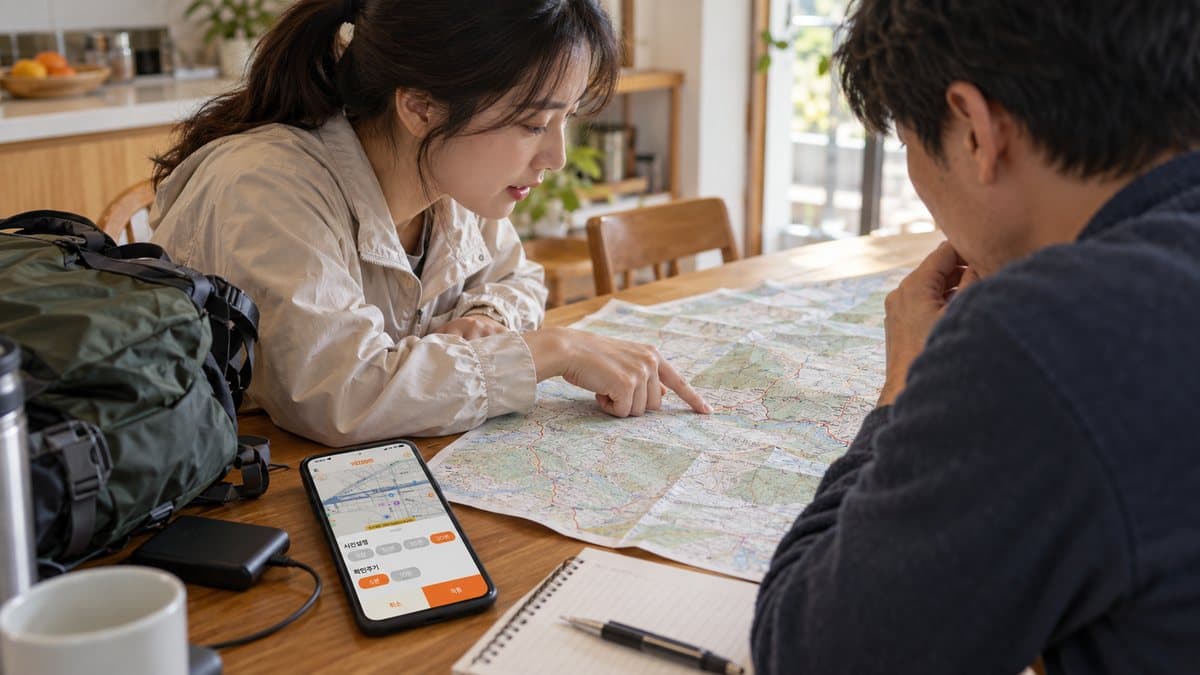
On a mountain your phone is your map, your way of reaching people, your camera and your location device all at once.
The problem is that the moment the battery dies, all of those can disappear together.
Installing a hiking safety app does not finish your preparation — you have to plan for the situation where the app is not working.
1. Tell your family the route and your expected time down first
Rather than "I'm off up such-and-such mountain," tell them the actual trail, the starting point, and when you expect to be down.
It matters especially if you are hiking alone.
Agreeing with your family on "by what time, if there's no word, do you check again" makes it easier to tell an ordinary delay from a situation that needs checking.
2. Save the maps and route information you need in advance
On a mountain there can be stretches where the signal is unreliable.
Do not rely on an online map alone; where you can, save route information or a map you can read offline.
Photographing the information board at the trailhead and the main junctions helps too.
3. With a power bank, check the actual charge — not just that you have one
It is common to put a power bank in your bag without checking how much charge is in it.
Before you leave, charge both your phone and your power bank, and check that the cable actually works.
In cold weather battery performance can drop faster than usual, so follow the manufacturer's guidance and avoid leaving the device in a very cold environment for long.
4. Cut down screen and camera use, and check your battery settings
Taking photos and video, maximum screen brightness, and long periods of GPS use can drain the battery fast.
But turning on power-saving mode regardless is not the right answer either. On some phones the power-saving settings can restrict background location or notification behaviour.
If you plan to use a hiking safety app or location-based features, test before you leave that the app works properly in the background.
5. Do not walk past trail location markers
Rescue services generally ask you to use whatever location reference is available — trail markers, grid references, numbered location posts — when describing where you are somewhere an address cannot pin down. The systems differ by country, so it is worth checking in advance what your area uses.
When you pass a location marker on the trail, note the reference or photograph it.
If an accident does happen, that lets you pass on something far more specific than "about halfway up the mountain."
6. If you are lost, do not push on just to save battery
One of the most dangerous choices when lost is to keep moving without being sure of the direction.
Secure a safe spot, work out where you are, and if you need rescue, contact the emergency services while you still can.
If you can use your phone's GPS, turn location on and pass on whatever you can identify alongside it — any location reference nearby, the trail name, signs, a valley or a ridge.
7. Set VAZOOM guard mode before you start the hike
If you fall or faint on a mountain, it can be hard to find your phone and make contact yourself.
VAZOOM is a personal-safety app: you set in advance the time that needs watching, guard mode runs for it, and if you cannot answer the safety check it is designed to send an alert and your location to your guardians.
It is good to finish setting guard mode and registering your guardians before you start the hike, and to share your expected time down as well.
If you use a smartwatch, you can also draw on heart-rate-related safety checks on supported devices and settings — but VAZOOM is not a medical device that diagnoses illness.
More important than the app is keeping enough battery and enough time to call for rescue
A safety app does not stand in for mountain rescue.
If your phone dies or the signal drops, location checks and alert delivery can be limited. Before a hike, prepare the route, the weather, sunset, your battery, the check-in with your guardian and how you would reach help, all together.
FAQ
Q. If my phone battery is nearly gone on a mountain, should I turn GPS off?
A. It depends. GPS may be needed for locating yourself or calling for rescue, so rather than turning it off regardless, it is better to cut screen use and unnecessary apps and prioritise what you would need to call for rescue.
Q. If I get lost on a mountain, can I just keep heading down?
A. If you cannot be sure of the direction, it is safer not to push on. Check any location marker information around you and, where you can, ask the emergency services for rescue.
Q. If I have a hiking safety app, do I still need to call the emergency services?
A. Yes. A safety app is a supporting tool that helps your guardian see what is happening. If you are actually lost or injured, calling the emergency services comes first where you can.